ColourSesh.

01 / MEET THE LOOK

A new look.
Still you.

Hairstyle, makeup, outfit.
30 ideas to see yourself in a new light.

On your photo or the demo · 1 credit
Ready-made demo examples. AI will create your result from your photo.
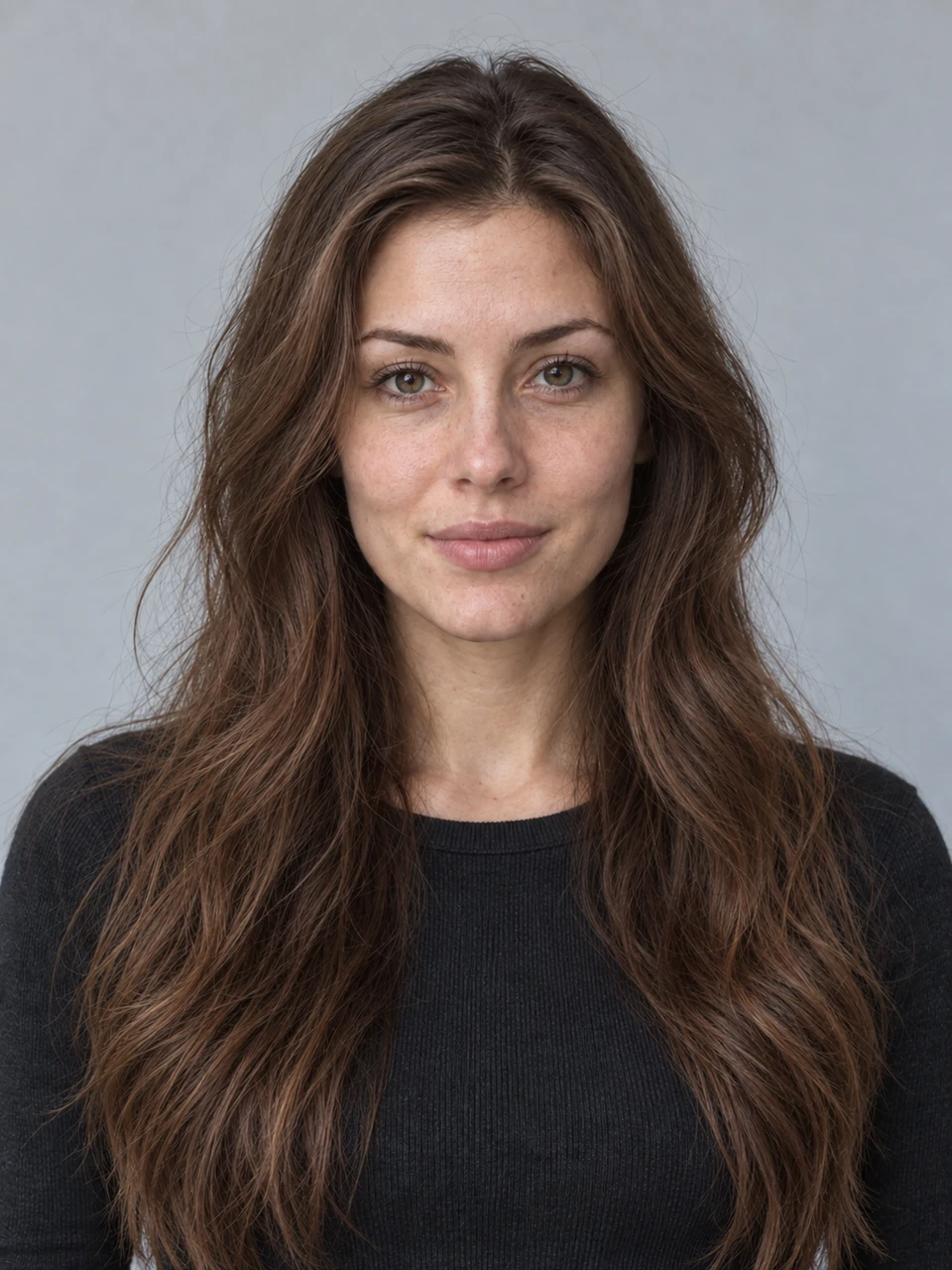
Original demo portrait with long hair
01 / ORIGINALYour starting point
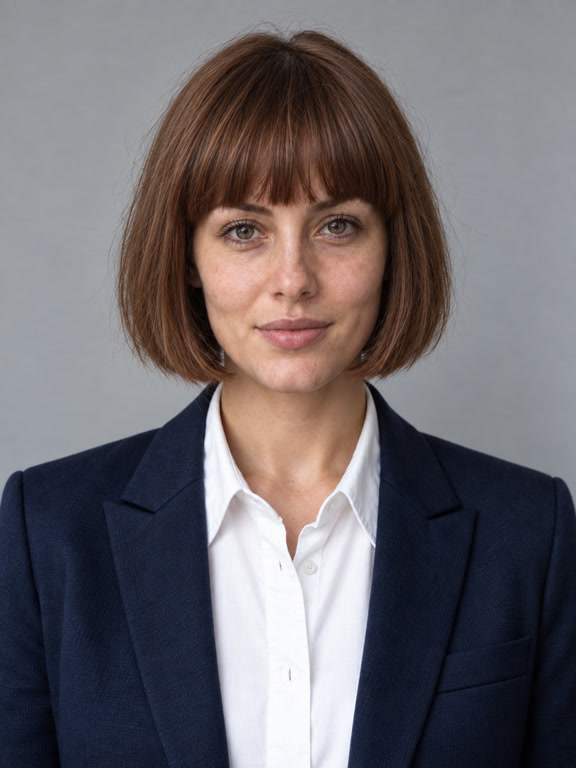
Demo example: bob, makeup, and a dark jacket
02 / NEW MOODA bit more classic
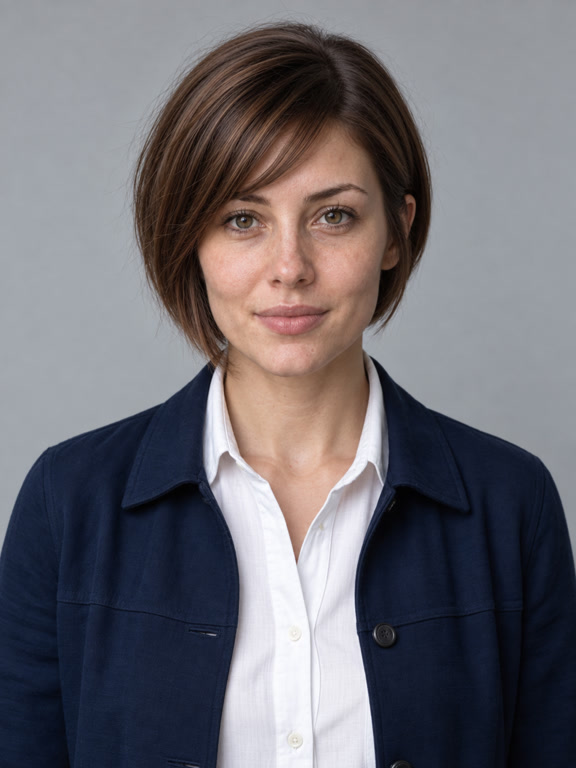
Demo example with a short asymmetric haircut
03 / YOUR CHARACTERA bit more daring
Scroll down — the looks will change once ↓

Studio for your look

Your photo. One click. A new look with AI.

Colours and makeup are free — your photo stays on your device.
What photo works best?

A portrait of one person in even lighting, no filters. Face and hair fully in frame. For manicures — a close-up of your hand. JPG, PNG, WebP, and HEIC up to 20 MB.

Demo portrait
Demo portrait for try-on
Getting the studio ready…

Colours — on your device. AI — with your consent.

YOUR COLLECTION

Looks you love.

Saved only in this browser. Download a photo to keep it on your device.

Your photo is ready to save

Photo ready to save
Download file

On iPhone, tap “Share” → “Save Image”. You can also press and hold the photo.

Delete this look?

The downloaded file will stay on your device.

ColourSesh, always at hand

Open the studio from an icon on your phone.

    Your collection is saved on this device. After installation, the app may keep it separate from the browser. Download important photos before switching.

    Offline try-on

    Download on-device recognition, HEIC support and the hand and foot demo photos — about 51 MB. Then you can try on colours and makeup offline. AI, your account, the catalogue, and purchases need an internet connection.

    Your browser may free up space and delete downloaded files. Also save important looks to your phone’s photos or files.