Add a photo
A portrait of one person in even light, with your hair in the frame. JPG, PNG, WebP or HEIC up to 20 MB, or the demo portrait.
Upload a portrait or use the demo, pick one of 24 shades and move the slider. You see the colour on your own hair in seconds, before anyone opens a tube of dye. Free, no account, and the photo never leaves your device.
Free · no sign-up · works on your phone
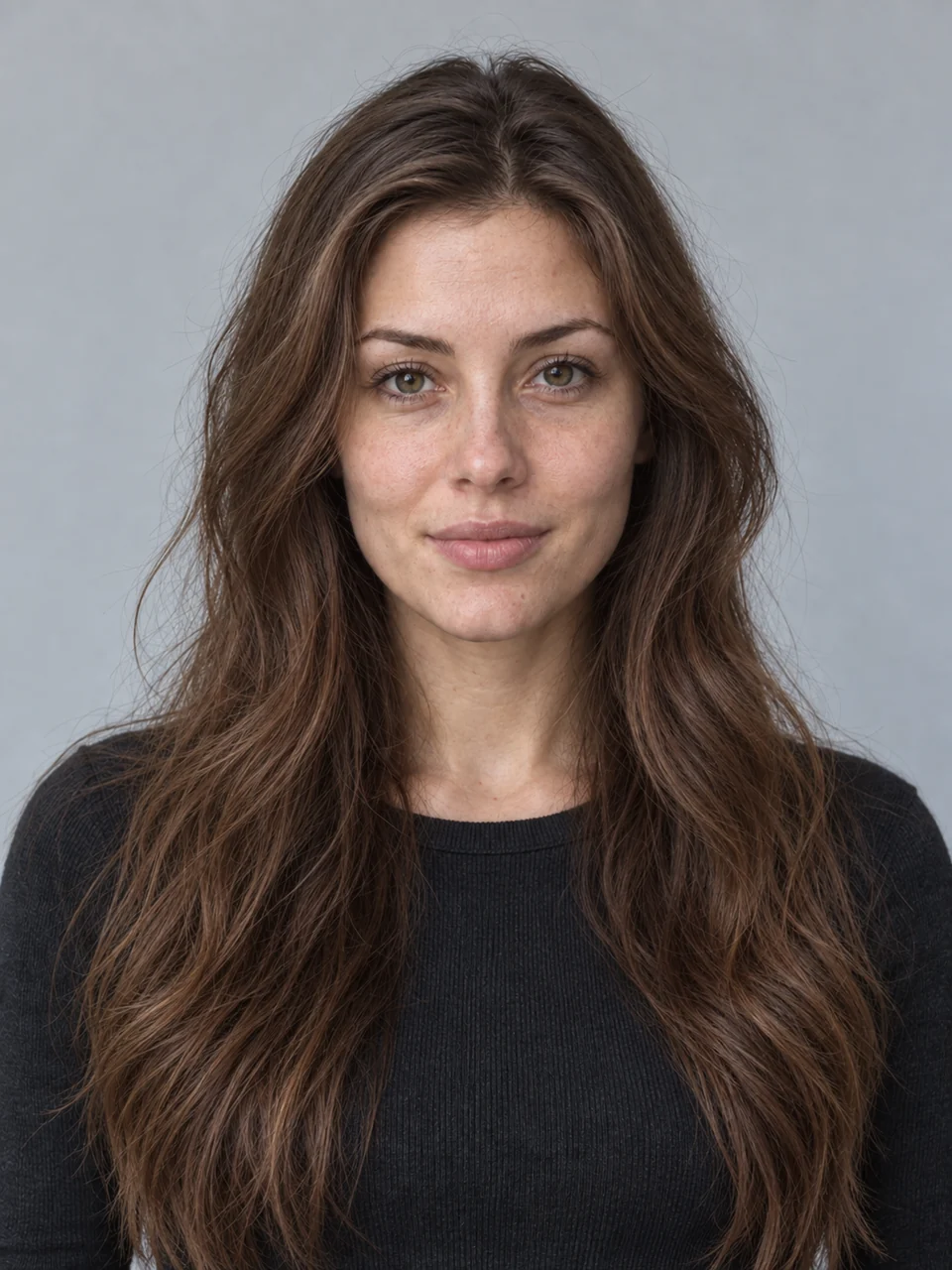
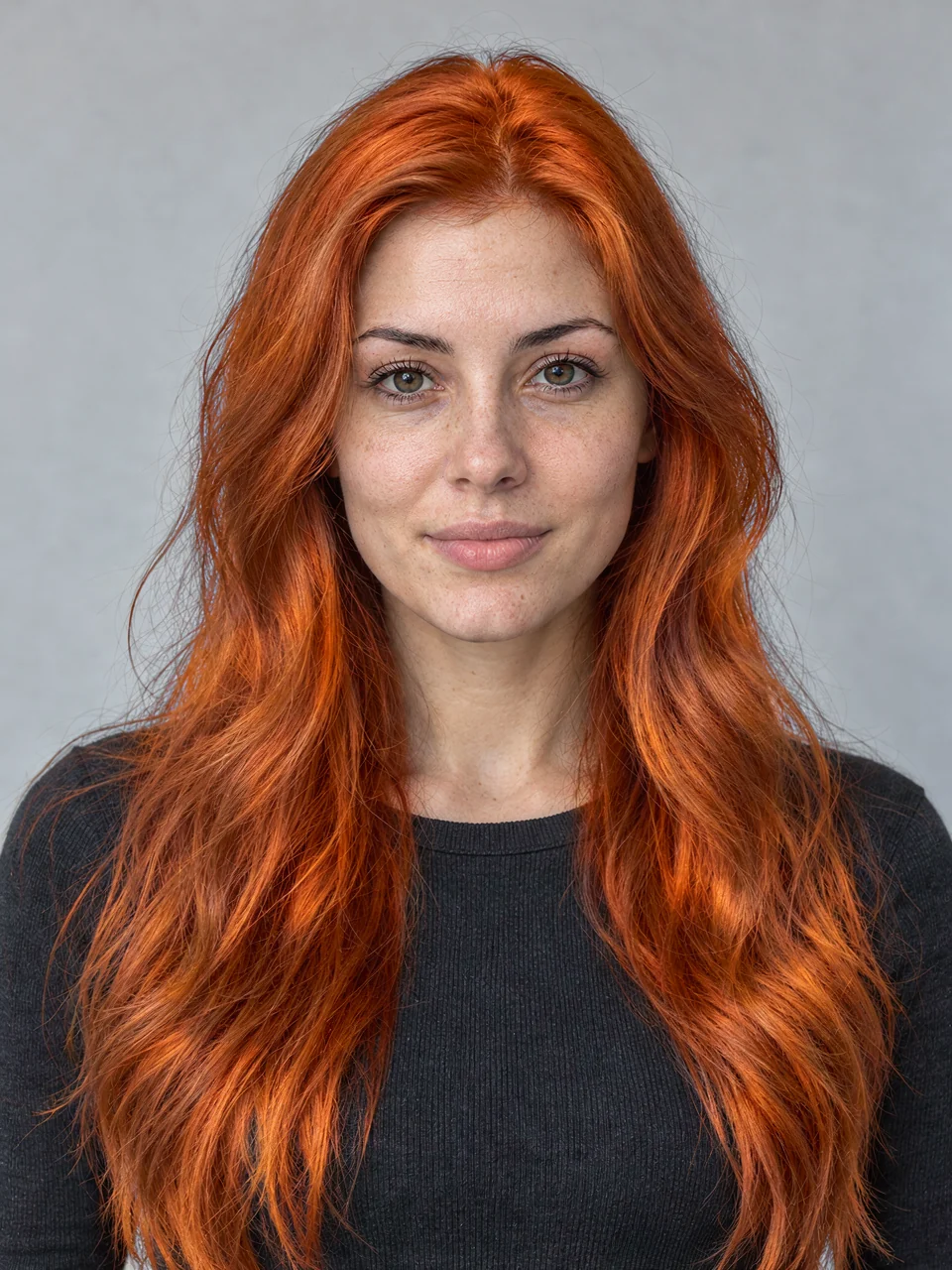
A portrait of one person in even light, with your hair in the frame. JPG, PNG, WebP or HEIC up to 20 MB, or the demo portrait.
Natural or vivid, or mix a colour of your own. Set the intensity, then colour the full length or just the ends for an ombré.
Drag the line between before and after, save the looks you like and download a card with the exact settings for your colourist.
Sixteen natural shades and eight vivid ones, each with an intensity slider from barely-there to full colour. Or open the colour picker and choose any shade you like.
Yes. Hair colour, makeup and nail try-on cost nothing and need no account. Only AI looks, such as a new haircut, a full look or style advice, use credits. See pricing.
No. Hair detection and recolouring run in your browser, so the photo stays on your device. A photo is only sent to the AI provider if you ask for an AI look and agree to it.
Take it as a direction, not a promise. The result in the salon depends on your current colour and the condition of your hair, the products and your colourist. The light in your photo also changes how a shade reads.
Ombré, yes: colour just the ends and choose where the blend starts. Balayage and fine highlights are not painted strand by strand, so use ombré or a softer intensity as a guide and talk it through with your colourist.
Yes. The new colour follows the light and shadow of your own hair, so it looks most natural when the shade is close to your current depth. Going from very dark to very light in real life usually needs lightening first; your colourist can tell you how many sessions it takes.
No. ColourSesh runs in the browser on your phone or computer. You can also add it to your home screen on iPhone or Android.
Free colour, makeup and nail try-on · no sign-up · works on your phone