Who it suits
Most undertones, especially neutral. A low-commitment way to lighten brown hair or to darken blonde for winter.
Dark blonde is the soft middle ground between light brown and blonde, often called bronde. It looks natural and grows out gently. See it on your own hair in seconds, before anyone opens a tube of dye.
Free · no sign-up · the photo stays on your device
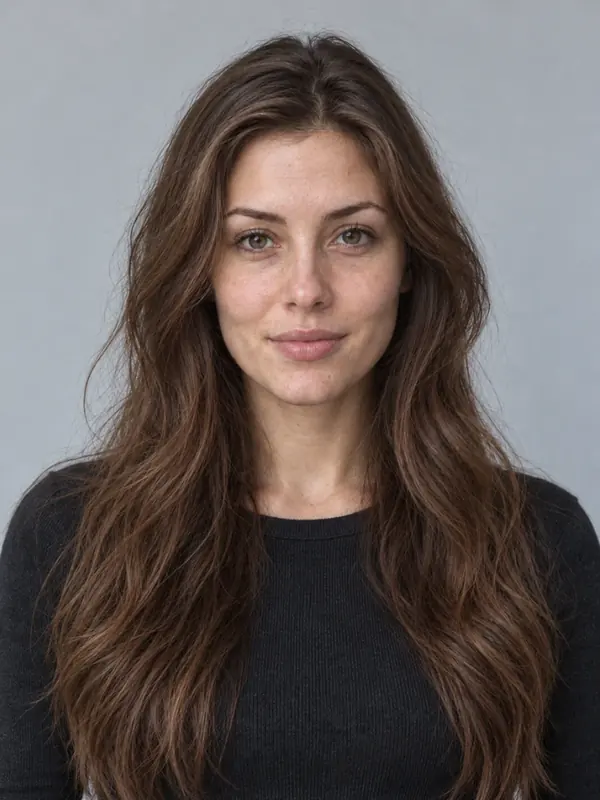
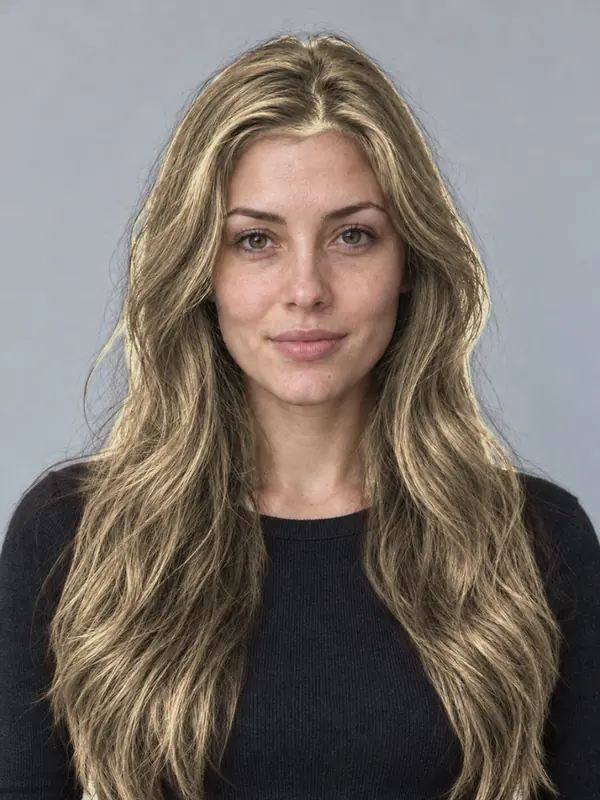
Most undertones, especially neutral. A low-commitment way to lighten brown hair or to darken blonde for winter.
A level 6 neutral blonde. From light brown it is often one session; from blonde it is a tone-down with a gloss.
Low-maintenance: a gloss every couple of months keeps it from going flat or brassy.
Open the studio and add a portrait in even light with your hair in the frame, or use the demo.
Open More tools, then Hair, and pick Dark blonde from the natural shades.
Set the intensity, drag the line between before and after, and save the card for your colourist.
A blend of brown and blonde, close to dark blonde. Balayage on a level 6 base gives the same feel.
Ash is cooler and smokier; dark blonde is more neutral.
Take it as a direction, not a promise. The salon result depends on your current colour, your hair’s condition, the products and your colourist, and the light in your photo changes how a shade reads.
The demo model is an AI-generated photo. Previews are made in the studio on your device and show a direction, not a guaranteed salon result.