Start with their own photo
Clients compare directions on their own photo. Use their choice as the starting point for your consultation.
ColourSesh lets clients try colours, cuts and full looks on their own photo — at home before they book, or in your chair during the consultation. They can bring their visual references and chosen preview settings to discuss with their colourist.
Demo portrait · no account · free colour try-on. Free salon plan, no card.
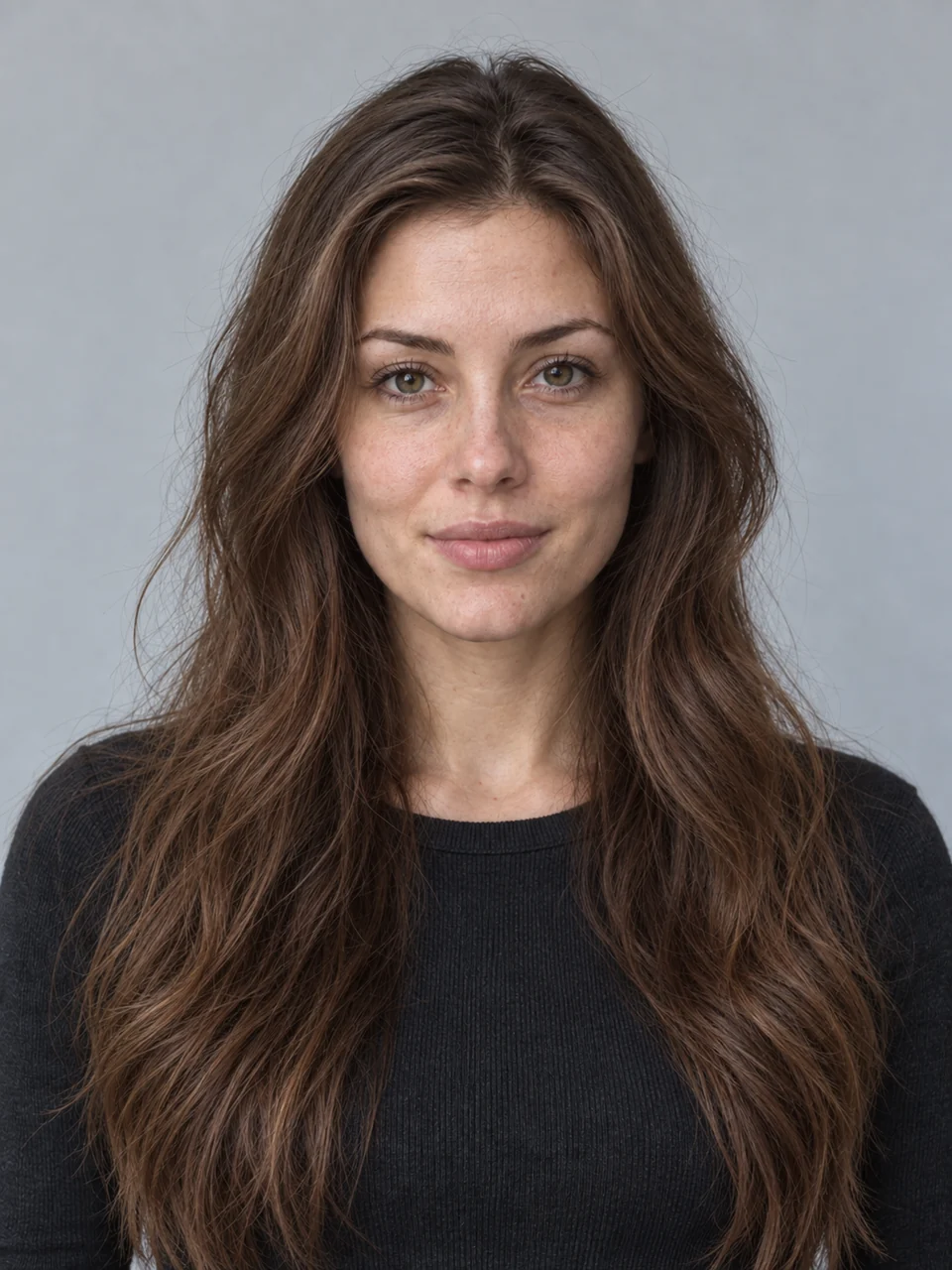

Clients compare directions on their own photo. Use their choice as the starting point for your consultation.
The preview gives you a colour to discuss. You explain what is achievable given their hair history, maintenance and your technique.
Keep a card of the chosen look for the next consultation. It is a visual reference, not a colour formula.
Create a free salon account and your link is ready at once. Put it in your Instagram bio, in booking confirmations or on a QR card at reception.
Open ColourSesh on the salon tablet during the consultation, or let clients try it before they come. Colour, makeup and nails are free and run on the device; new cuts and full looks come from AI.
Clients send their look to your salon from your link: the cut, colour, outfit and their contact details land in your salon account. Get in touch and book it.
We invite up to three Melbourne salons to test the service voluntarily in five consultations over 14 days from agreed setup. One designated colourist uses Free: your salon link and 20 AI looks a month, with no card and no automatic upgrade.
On a short introduction, we show try-on, comparison and the stylist card using the demo portrait. Then we help set up your salon link.
One designated colourist offers try-on to consenting adult clients. Note whether the card helped the colour discussion and how many AI looks you needed; client names and photos are not needed in the test log.
If you need more AI looks or a team of up to 6 colourists, we discuss Salon and the founding offer. You can stay on Free; paid access starts only after an agreed payment.
A request does not guarantee a place; we agree the start together. Free continues after 14 days and its monthly AI allowance does not reset. The test checks usefulness in your consultations; booking growth and time savings are not promised in advance.
Colour, makeup and nail try-on is unlimited on every plan. Plans differ in how many AI looks your team makes each month.
Try it in your salon
A$0 / month
20 AI looks a month
One colourist
A$29 / month
150 AI looks a month
Up to 6 colourists
A$99 / month
400 AI looks a month · about A$16.50 per stylist
Up to 15 colourists
Let’s talk
1,000 AI looks a month
No. ColourSesh runs in the browser on a phone, tablet or computer, and can be added to the home screen.
Colour, makeup and nail try-on run on the device, so the photo isn’t uploaded. For AI looks, the photo goes to the AI provider only after the client agrees, and results are kept on our server for 24 hours.
No, it’s a visual direction. Real colour depends on the hair’s history, the products and your technique. That’s why every look comes with a card to talk it through.
Request a bigger plan; we confirm availability and payment options in reply. Colour, makeup and nail try-on keep working without limits.
Yes. Nothing renews automatically. Paid access starts after we agree an available payment method and access dates and receive payment. When that paid period ends, Free applies. We give 30 days’ notice of any price change.
The studio with a “Recommended by” note and your salon’s name. They can send you the look they like with their contact details — only with their consent.
Yes. Anyone can try colours for free and get three free AI credits by confirming their email — see pricing.
Choose the Melbourne pilot or a general enquiry: setup and the test start are agreed after we reply. Tell us about your salon and we’ll reply within two business days. You can also create a free salon account right away.
Create a salon accountMelbourne first · salons across Australia welcome